Vehicle services
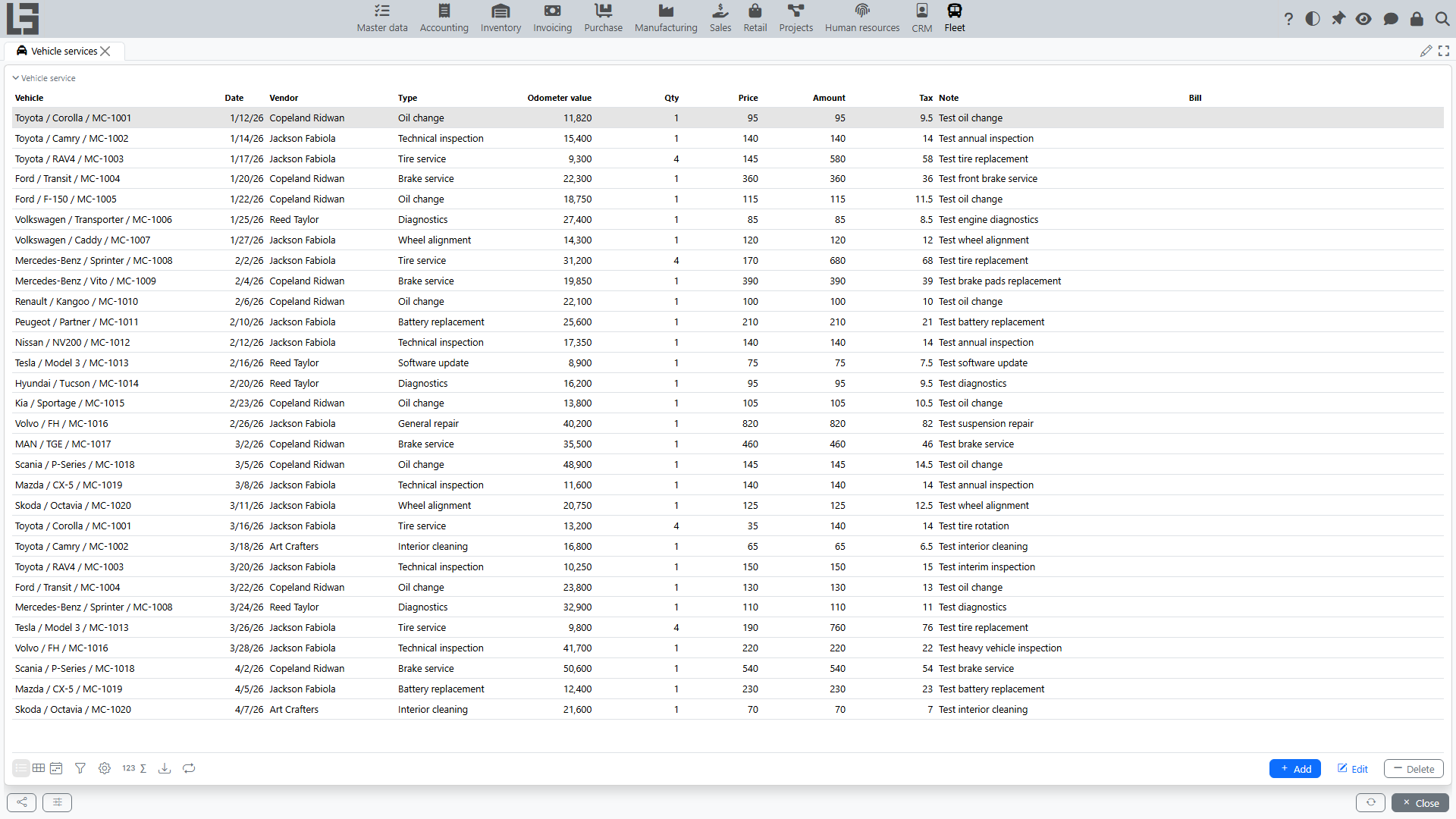
The section is intended for accounting works/services performed for vehicles: date, service type, Vendor (if used), Odometer value, and cost.
It is convenient to use vehicle services as an “event and cost log” for a vehicle: scheduled maintenance, repairs, seasonal replacement, tire service, etc. (the set of types depends on directories).
Where to find it
Open “Fleet” → “Operations” → “Vehicle services”.
Service history is also usually available in the vehicle card in the corresponding block.
Creating a service record
- Click Add.
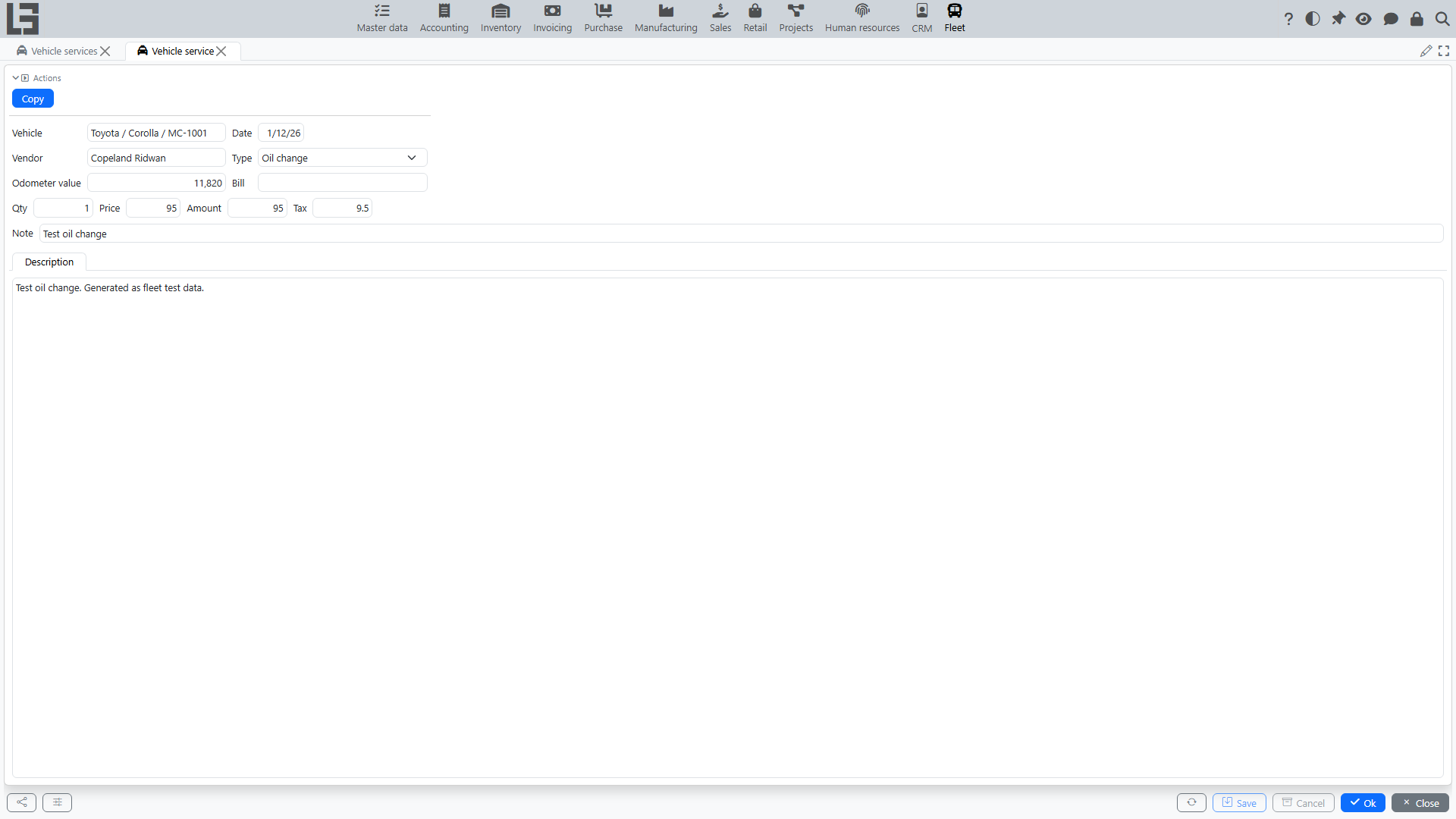
- Fill in the main fields:
- Save the record.
When you select a vehicle, the Vendor and Odometer value are pre-filled from the latest service of that vehicle (if there is one) — check and correct them if needed.
How to fill the cost
Depending on configuration, cost can be maintained:
- as quantity and price (with the amount calculated);
- as Amount (without quantity breakdown);
- with separate Tax tracking (if used).
If you maintain quantity and price, after changing them the amount may be recalculated automatically.
Link to expense accounting
If your organization maintains Bill documents for service expenses, a vehicle service can be linked to a Bill. This allows you to:
- see which document the expense was posted by;
- control amounts by service.
The available fields and filling rules depend on configuration and permissions.
When you link a service to a Bill, the system copies the Date, Vendor, Amount, and Tax from the Bill into the still-empty fields of the service. Adjust the values manually afterwards if needed.
A vehicle service can also be added directly from a Bill card: for bill types that support vehicles, the bill card shows a “Vehicle services” block.
Controlling Odometer value
Odometer value helps:
- track mileage history;
- plan maintenance by schedule;
- reconcile events (driver change, repairs, scheduled works).
If mileage is recorded in your organization, try to enter values consistently (without decreasing compared to previous events for the vehicle). If an error is made, correct the record or add an explanation in the note.
Copying a service record
To quickly create a similar record (for example, a recurring service):
- Open the vehicle service card.
- Use the Copy action.
- Change the date, Odometer value, and Amount/Tax as needed.
The new record receives the vehicle, date, vendor, type, odometer value, amount, note, and description. The quantity, price, and tax are not copied — fill them in again if needed.
Copying is convenient for recurring services (for example, seasonal tire replacement) so that you do not fill in the same fields manually.