Invoices for orders
An invoice records a sale in accounting terms: revenue, taxes, and totals.
Where to find
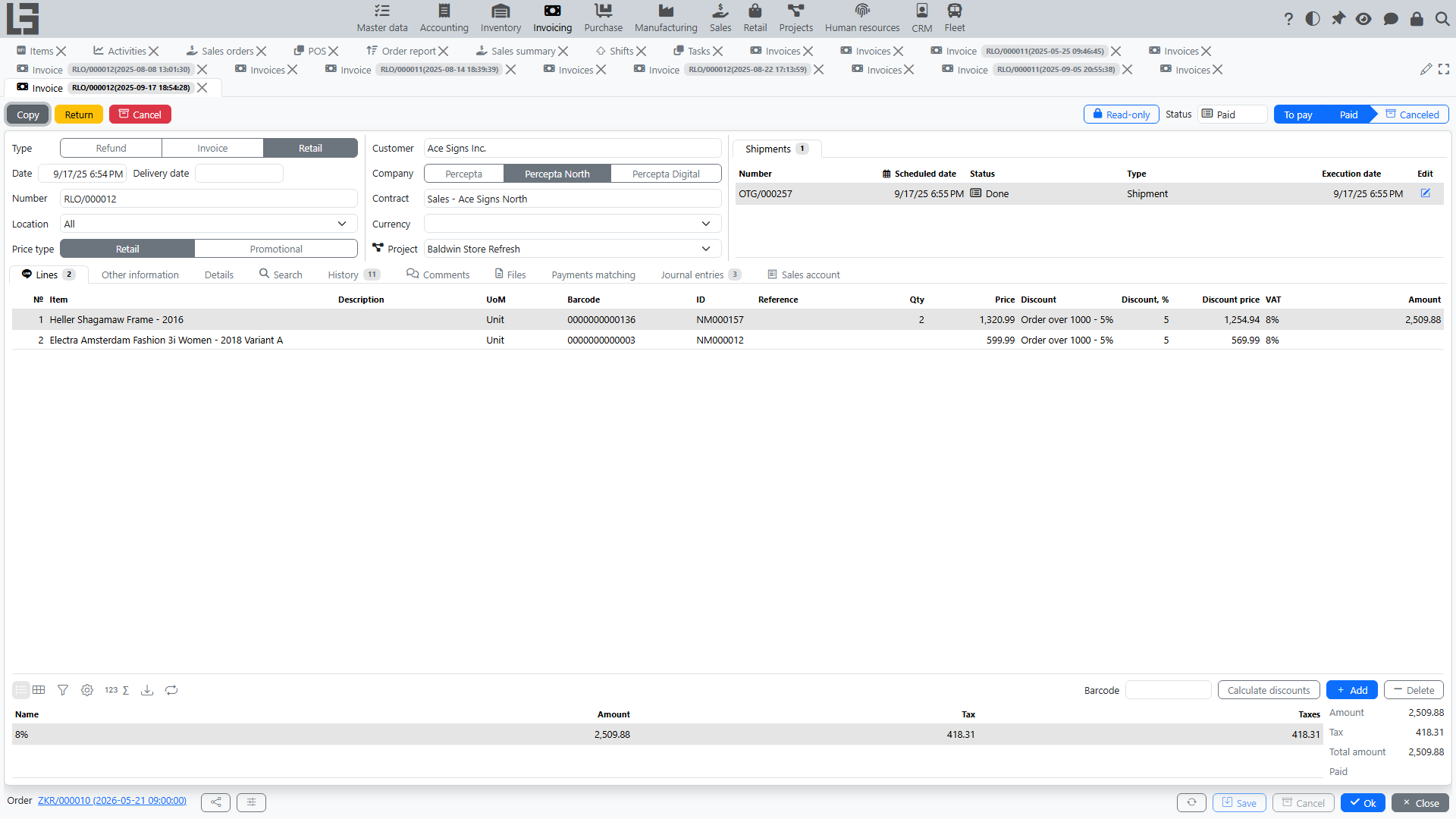
An invoice is created from a sales order: the “Create Invoice” button appears on a confirmed order when there is still a quantity left to invoice. The created document is an Invoicing-module invoice; the order card shows a related “Invoices” block.
An invoice can also be created from shipments: the “Create Invoice” bulk action on the shipments list creates one invoice from the completed quantities of the selected shipments.
Relation to an order
An invoice is created from a sales order. Whether its lines reflect the ordered quantities or the actually shipped quantities is determined by the order type’s “Invoicing policy” setting, with the values “Ordered quantity” or “Shipped quantity” (see Settings) — it is not chosen per document.
When created, the invoice transfers:
- customer and department;
- delivery address and “Customer reference”;
- lines and quantities (ordered or shipped, per the invoicing policy);
- prices, discounts, and taxes;
- payment terms and note.
An invoice goes through the statuses Draft → To pay → Paid; an invoice created from an order starts immediately in the “To pay” status.
The lines of a confirmed order show the “Invoiced” and “Paid” columns.
Typical scenario
- Make sure the order is confirmed and has a quantity left to invoice.
- Press “Create Invoice” on the order — the invoice is created immediately in the “To pay” status.
- Check amounts and taxes.
- After payment, the invoice gets the “Paid” status.