Discount cards
A discount card identifies a customer at the cash register: when a card is entered on a receipt, the receipt’s customer is set from the card’s holder. A card does not carry a discount percentage of its own — any discount comes from the discount rules that apply to the linked customer.
Where to find it
“Retail” → “Configuration” → “Discount cards”.
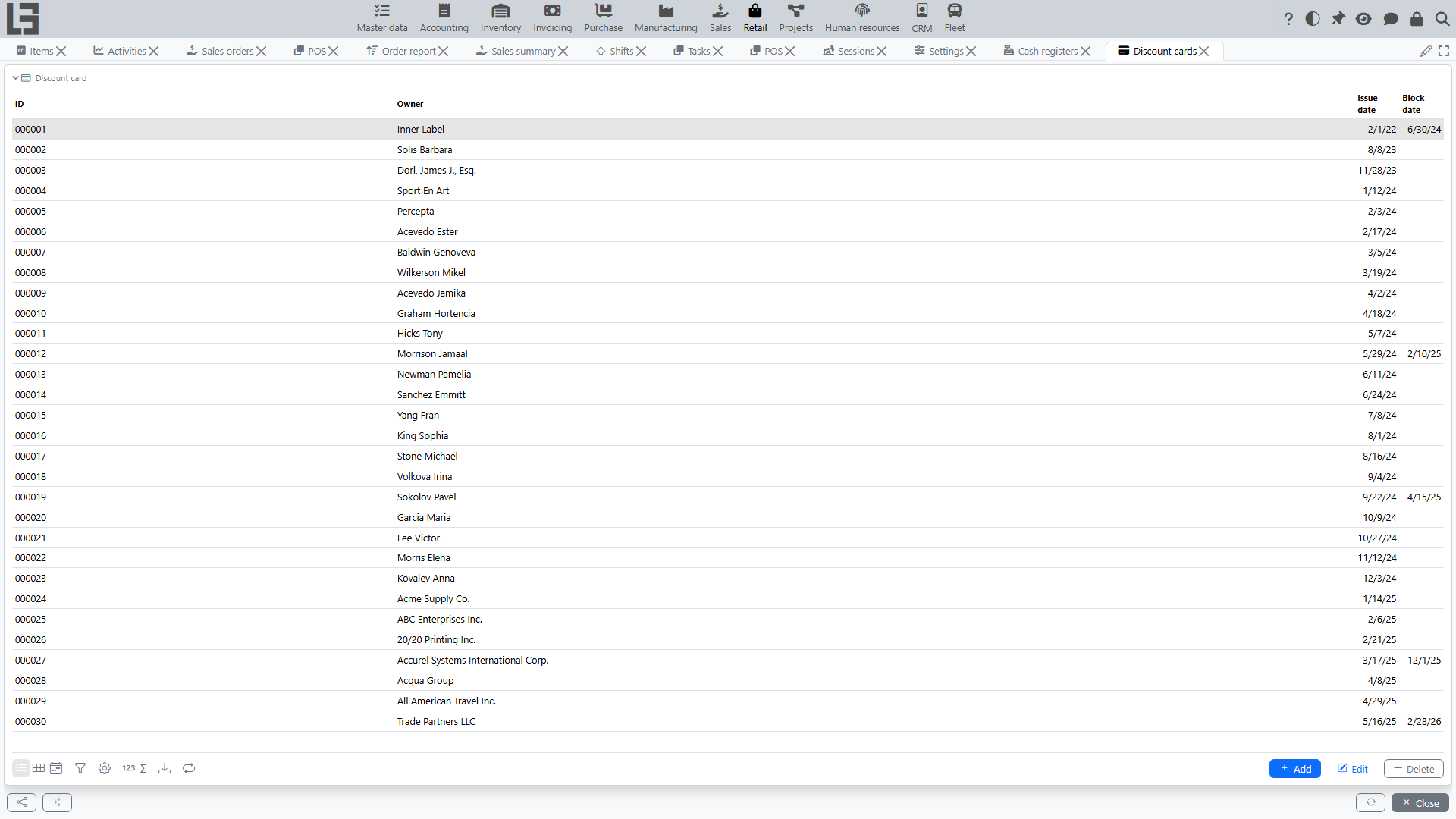
Main card data
A discount card has:
- ID — the card identifier; it is the code scanned at the POS;
- owner — the customer the card belongs to;
- issue date;
- block date — set when the card is blocked.
Issuing a card
A card can be created:
- in the “Discount cards” list — create a card and specify its owner;
- from a customer’s card — on the partner’s “Discount cards” tab, where a new card is created already linked to that customer.
The card ID is assigned automatically by the numerator.
Blocking a card
A card is blocked by setting a block date. The block date cannot be earlier than the issue date.
Blocking is effective from the block date: the card is rejected only on a receipt or invoice dated on or after that date. A future block date leaves the card usable until it arrives.
A blocked card cannot be used: at the POS the system shows “Discount card blocked” and does not attach it to the receipt; on a sales invoice the card fails validation.
Using a card
- At the POS — enter or scan the card ID in the barcode field. The card’s holder becomes the receipt customer (see Cash register and POS).
- On a sales invoice — the card is not selected directly on the standard sales invoice form; the card field is exposed at the POS. When a receipt (invoice) does carry a card, the system fills in the customer from the card and validates that the card matches the customer and is not blocked.