Retail — user documentation
This documentation describes how to work with the “Retail” section: configuring cash registers, managing sessions, processing sales and returns in POS, applying discounts and discount cards, and taking payments.
If some menu items or actions are missing in your configuration, this is normal: available functionality depends on enabled modules and settings.
Who this section is for
The “Retail” section is typically used by:
- Cashier — processes sales and returns, takes payment, prints/sends a receipt to the customer.
- Senior cashier / administrator — opens and closes sessions, monitors operations for a cash register.
- System administrator / person responsible for settings — configures cash registers, payment methods, discount cards, and POS parameters.
Contents
Sections:
Quick start
Scenario: open a session → process a sale → take payment → close the session
- In “Retail” → “Configuration” make sure that:
- cash registers are created and (if needed) linked to computers — in the “Cash registers” directory;
- payment methods are configured — on the “Settings” form.
- Open “Retail” → “Operations” → “POS”.
- Select the cash register and open a session with “Open session”.
- Add items to the receipt (search / barcode scanning / touch grid); if needed, apply a discount or discount card.
- Proceed to payment, enter amounts by payment methods, and confirm.
- When finished, run “Close session”.
Scenario: process a customer return
A POS return is processed against the original sales receipt:
- Open POS.
- On the Session tab, find the original receipt in the “Cash receipts” list and press “Return”.
- Adjust the items and quantities being returned.
- Process the return payment (cash-out): for each payment method you can refund at most what was paid by that method in the original receipt, and the refund total must equal the return amount.
Details: Returns.
Navigation
The “Retail” section contains two groups:
- Operations — the POS cashier screen and the Sessions list.
- Configuration — the Settings form and the Cash registers and Discount cards directories.
Typical menu items:
- “Retail” → “Operations” → “POS” — the cashier screen for sales and returns.
- “Retail” → “Operations” → “Sessions” — the session list.
- “Retail” → “Configuration” → “Settings” — section parameters.
Terms
Cash register
A cash register is a workplace used to process sales and returns. As a rule, a cash register is linked to a specific computer/device.
Session
A session is a period of cash register operation between opening a session and closing a session. POS operations are performed within an open session.
POS
POS is a cashier screen for processing sales and returns: creating a receipt, adding items, applying discounts, and proceeding to payment.
Receipt
The result of processing a sale or return (in POS): list of lines, prices, discounts, To pay, and payment method(s).
Payment method
A payment method is a rule by which money is received (for example, cash or bank card) and the related financial operations are formed.
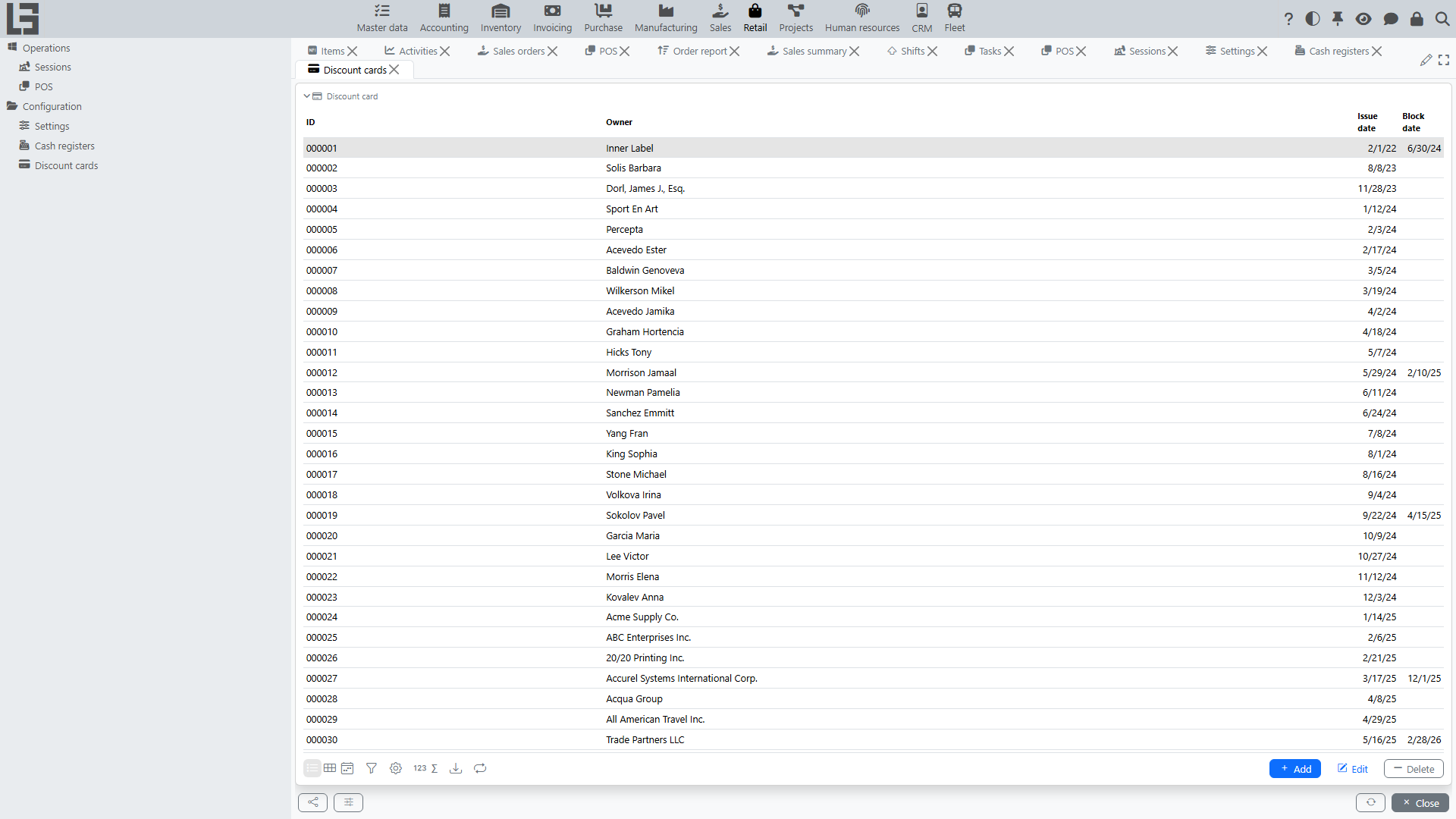
Discount card
A discount card is a card that identifies a customer on the receipt; the receipt’s customer is set from the card’s holder.