Purchase reports
Where to find
Purchase reporting consists of a single report — the “Order report”, located at “Purchase” → “Reporting” → “Order report”.
Order report
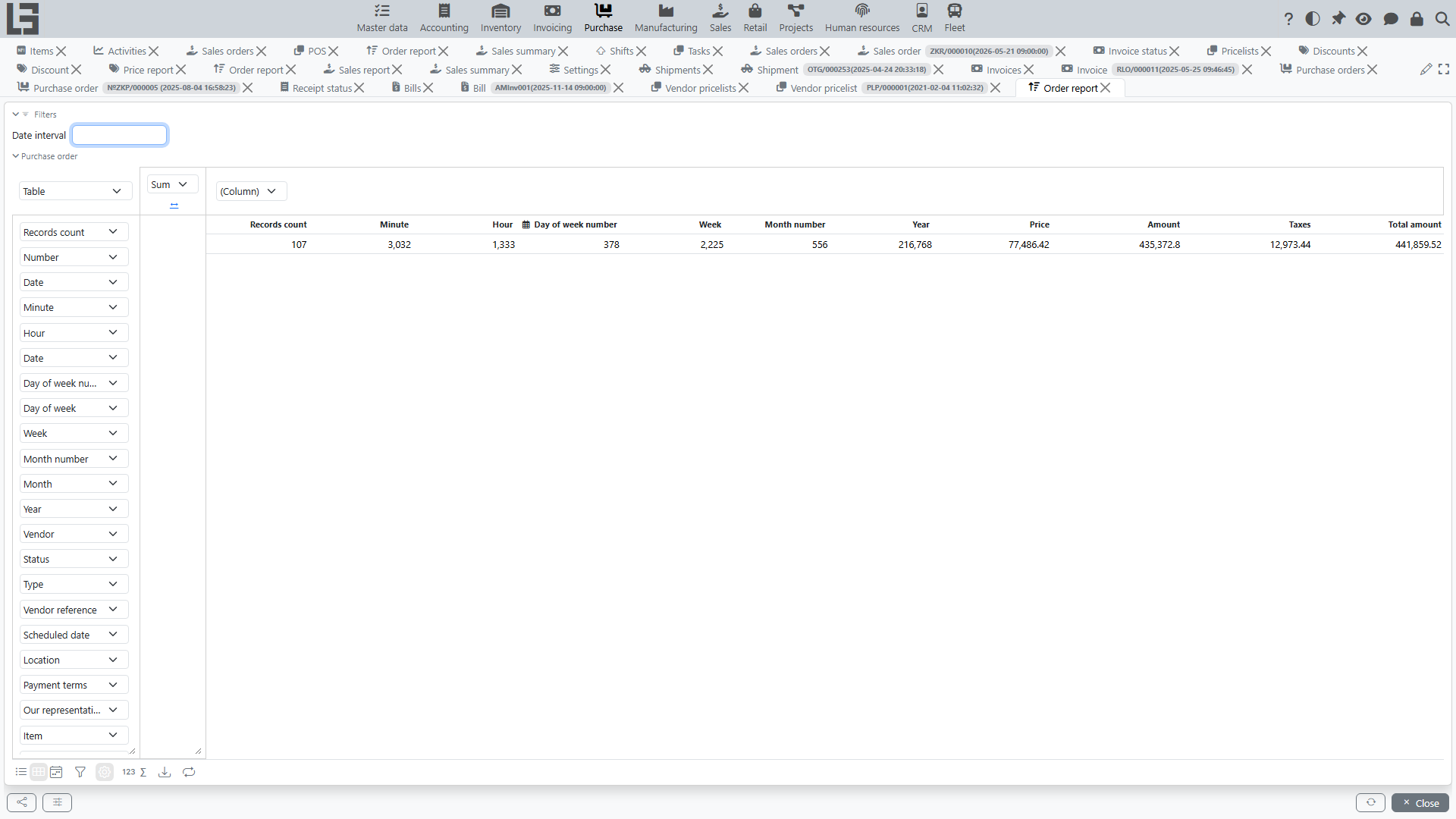
The report allows you to analyze purchase orders by:
- vendors;
- statuses;
- dates;
- items and categories (if classification is used);
- item attribute columns (see items);
- purchase order fields (type, payment terms, “Scheduled date”, “Vendor reference”, “Our representative”, etc.).
The report shows only orders whose location the user has access to (as well as orders without a location).
Date filters and grouping
The report provides:
- a date interval filter;
- ready-made date columns in the pivot table — day of week, week, month, year, etc. — which can be used for grouping.
What to use it for
The report is useful for:
- controlling “what has been ordered” and “from whom it has been ordered”;
- analyzing scheduled delivery dates;
- preparing reconciliations with vendors.