Categories
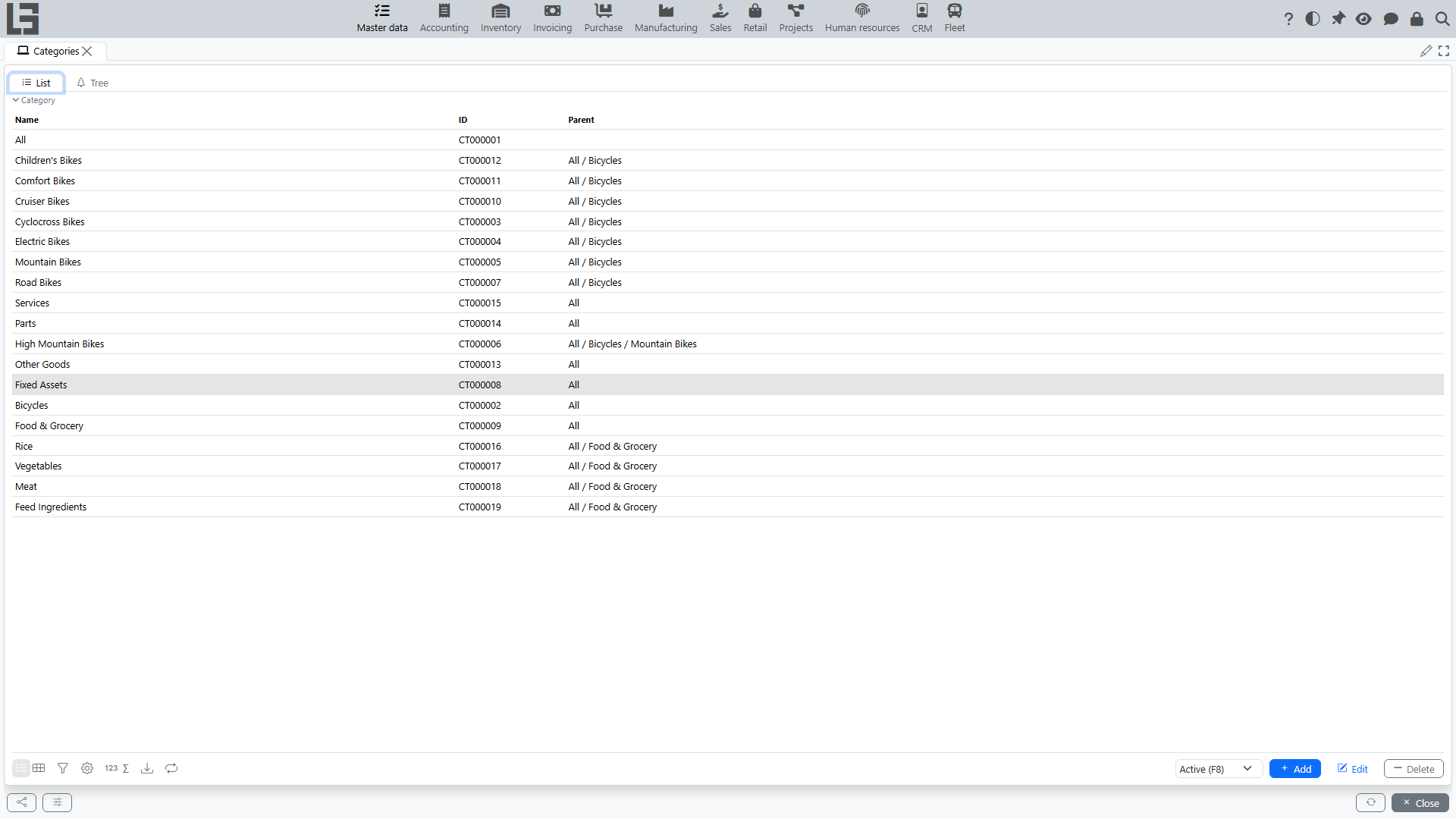
The “Categories” directory is used to group items. Categories can be hierarchical (a tree): a category can have a parent category.
List and tree
Two views are usually available:
- List — a flat list of categories;
- Tree — a hierarchy of categories.
Category card
Typical fields:
- Name;
- ID (can be generated automatically);
- Parent — required: every category except the root has a parent category;
- Archived.
The card has a name Prefix field — it is prepended to the composed Name (full) of all items of this category. The “Default values” tab holds a default Unit of measure: it is prefilled (taking the nearest ancestor category that has one) when an item is assigned the category while its own unit is still empty; it does not change items that already have a unit, and changing the default later does not update existing items.
Creating a subcategory
In the Tree view, select the parent category and click the Category button on the toolbar — the new category is created as a child of the selected one. In the List view, create a new entry and specify the parent manually.
Restrictions
If a category is used in other categories (as a parent) or in items, deletion may be forbidden. In this case, use archiving.