Manufacturing settings and directories
Location
Open "Manufacturing" → "Configuration" → "Settings".
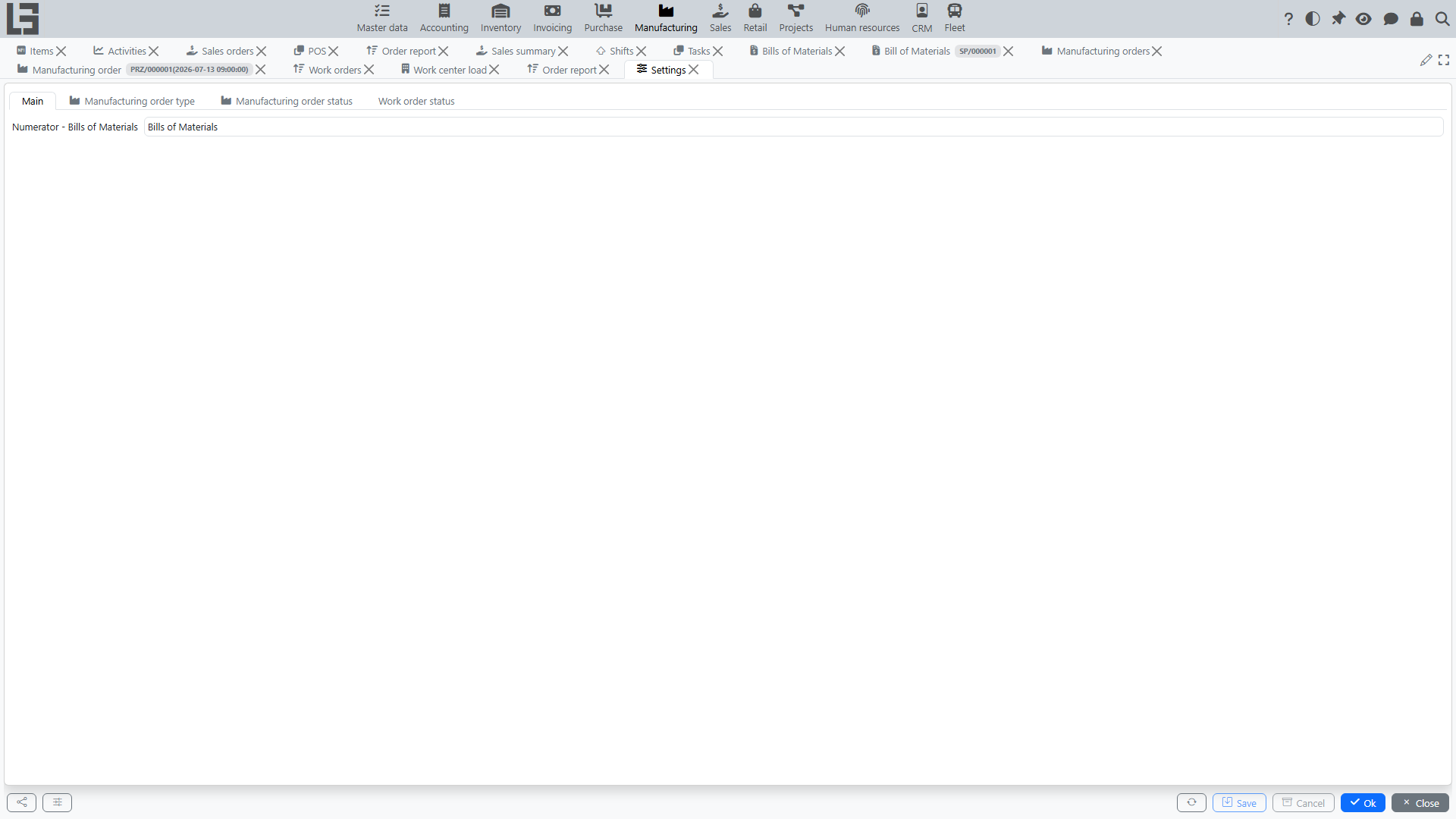
The form is organized into tabs:
- Main — general parameters, in particular the Numerator - Bills of Materials (number generation for Bills of Materials);
- Manufacturing order type — the directory of order types (see below);
- Manufacturing order status and Work order status — the status lists with their Read-only flags (see below).
Manufacturing order types
The Manufacturing order type tab contains the directory of manufacturing order types. The type card defines:
- Name, ID and Numerator (number generation);
- in the Default block — the Materials location (the default storage location for materials, substituted into new orders of this type);
- in the Other information block — the Unbuild flag: orders of this type perform disassembly instead of production;
- in the Scrap block — the Scrap type: the type of scrap document created from an order of this type.
If exactly one type exists, it is substituted into new orders by default.
If creation from sales orders is used, the manufacturing order type is also referenced from the sales order type (the Manufacturing block with the Manufacturing order type field and the Automatically create a production order flag).
Statuses and the "Read-only" flag
The set of manufacturing order statuses is fixed — Draft, Waiting, Ready, In progress, Done, Canceled (see workflow) — you cannot add new ones. However, the Manufacturing order status tab shows the list of statuses, and each status has an editable "Read-only" flag: when it is on, any order in that status becomes non-editable (header and lines locked). This is how administrators usually lock, for example, Done and Canceled orders.
The Work order status tab provides the same Read-only flags for the work order statuses (Ready, In progress, Done).
In addition, each individual manufacturing order has its own "Read-only" flag that locks just that document regardless of its status.
Other directories in Configuration
The Configuration group also contains:
- Operations — the directory of BoM operations (name, Bill of Materials, work center, start time, duration) that are referenced from Bills of Materials;
- Work centers — the directory of work centers (name, ID, description) used by work orders and BoM operations.
Recommended setup order
- Create manufacturing order types and configure their numerators and materials locations.
- If you use disassembly, create a type with the Unbuild flag.
- If you record scrap, set the Scrap type on the relevant order types.
- If you use work orders, create work centers (operations are usually entered directly in Bills of Materials).
- If orders must be locked after completion, enable the Read-only flag for the Done and Canceled statuses.