Taxes
In "Invoicing", taxes are used to calculate line amounts and document totals.
Directories
The configuration uses two directories:
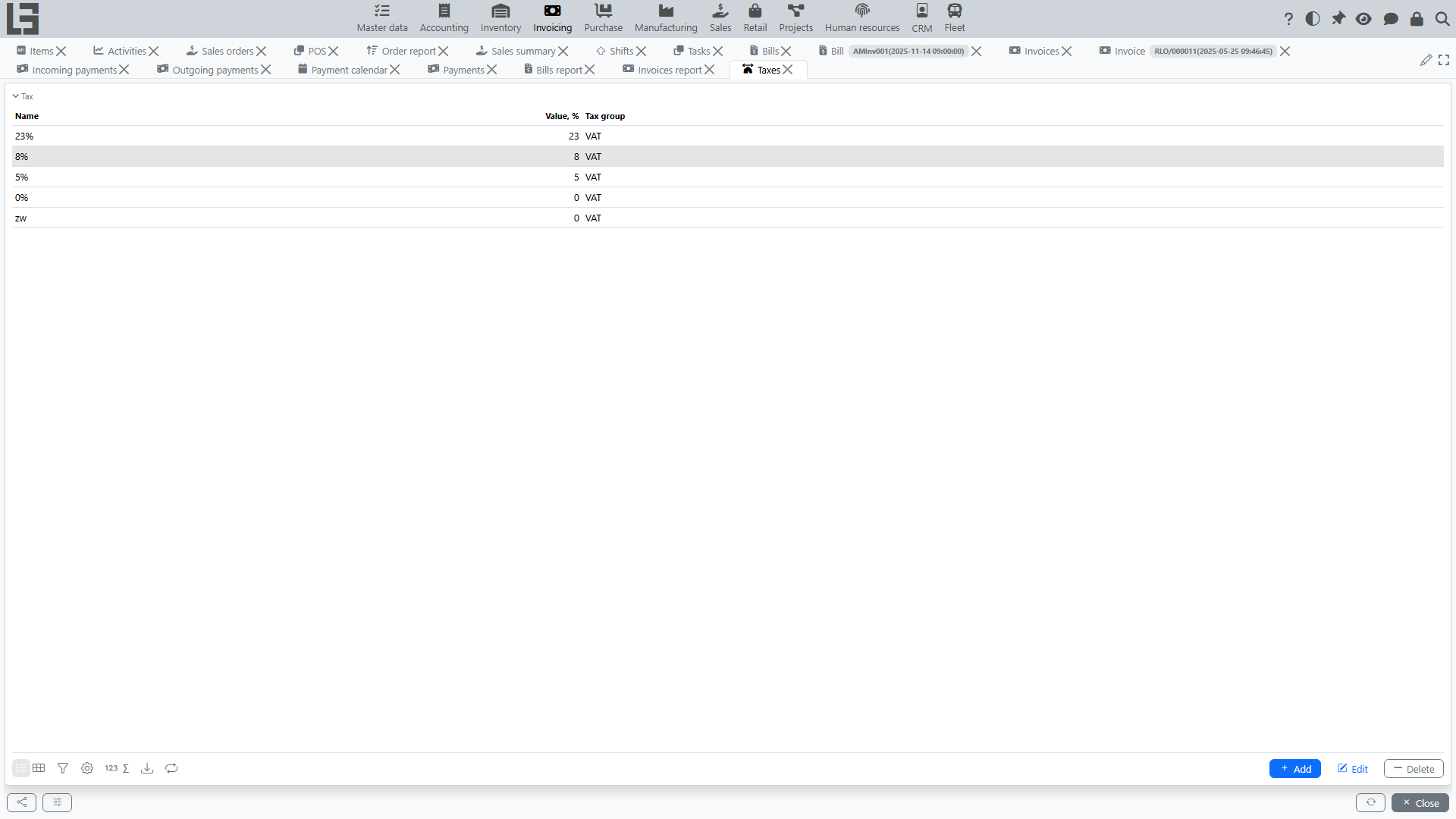
- Taxes — each tax has a name, a rate in the "Value, %" field, and belongs to a tax group (mandatory). For example: "VAT 20%" with value 20 in the "VAT" group.
- Tax groups — taxes are grouped so that only one tax per group can be applied to a given document line at the same time. This is the standard way of expressing mutually-exclusive tax variants (e.g., a "VAT" group containing rates 0%, 5%, 10%, 20% — only one can be selected per line). A tax group has a name and a short ID used as the key for import.
Taxes on items
Each item/service keeps two independent tax sets — sales taxes and purchase taxes:
- when an item's line is added to an invoice, its sales taxes are substituted; on a bill, its purchase taxes;
- item tax sets are inherited by default from the item's category, so setting the category pre-fills the taxes; you can then override them per item;
- sales and purchase tax sets can be bulk-loaded and unloaded through Import / Export sales (purchase) taxes on the data-migration form.
Computation
Tax amounts are computed automatically per line by the system; the user does not type them in directly. The mode is determined by the document type's "Price includes taxes" flag:
- Price includes taxes = off (default for B2B): the line price is the net (tax-exclusive) price, the line Amount is
price × quantity, and the tax is added on top:taxAmount = Amount × rate / 100. - Price includes taxes = on (typical for retail / cash sales): the line price is gross, the line Amount is the gross total, and the tax is extracted from within it:
taxAmount = Amount × rate / (100 + rate).
At the document level a Netto amount (total minus tax) is available, and a per-tax summary table breaks the document down by tax (untaxed amount / tax amount / amount per tax).
Usage in documents
A tax can be set:
- automatically — based on the item settings (sales/purchase) or on the document type;
- manually in a line — by ticking the appropriate tax of the right group.
Because of the per-group rule, picking a different tax of the same group automatically unticks the previous one for that line.
Restrictions
- a tax that has been used in line calculations is protected from deletion;
- taxes from the same group cannot coexist on one line.
What is not modeled out of the box
The base configuration uses a single tax dimension (rate × base). It does not ship dedicated VAT declarations/reports as standalone forms — tax totals are visible in the per-tax summary table on each document and as measures inside the bills and invoices reports.