Scrap
Where to find it
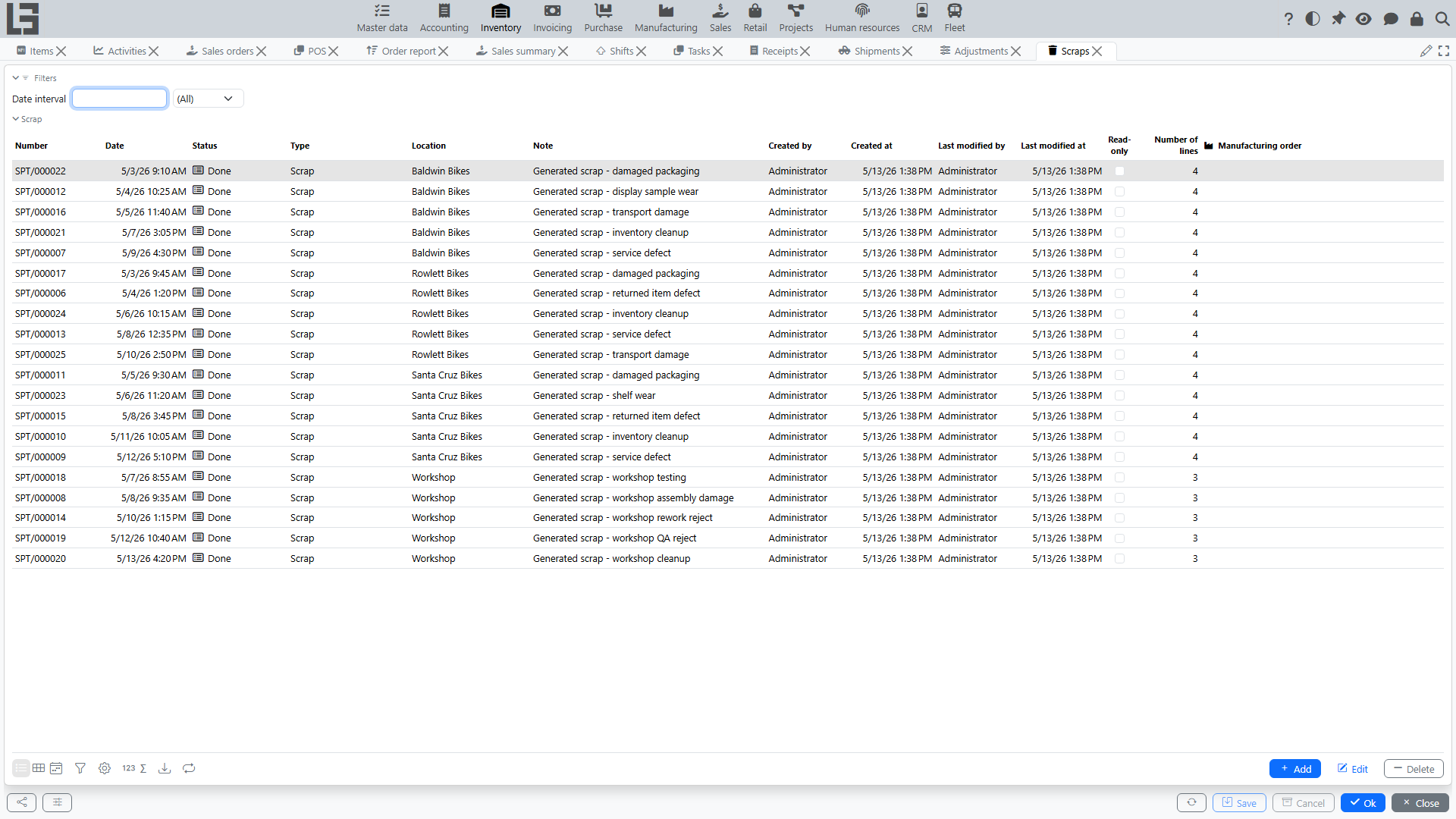
Open “Inventory” → “Operations” → “Scraps”.
Purpose
Scrap is used to record stock decreases for reasons not related to sales:
- damage;
- losses;
- defects;
- expiry;
- internal consumption.
The reason for the write-off is represented by the type of the document (a directory of scrap types — for example, "Damage", "Loss", "Expiry") rather than by a per-line field. Scrap types are configured in Inventory → Configuration → Settings; each type has its own numerator (numbering rule) and a default location.
The scrap document moves through the statuses Draft → Done, with Canceled as an alternative terminal state.
Scrap card
In the header you fill in:
- Type — required; classifies the write-off reason and defines the numbering;
- Date, Number;
- Location — required; where the goods are written off from;
- Note.
Lines contain the item, its UoM, barcode/ID/reference and the quantity to write off.
Action buttons:
- Mark as Done — confirms the write-off (shown in Draft);
- Cancel — moves the document to Canceled;
- Copy — creates a new draft scrap with the same header and lines;
- Print — prints the document using a configurable template (templates can be assigned per scrap type);
- Labels — prints item labels.
Like other Inventory documents, the card has Search (product search by category with stock quantities and quick entry, plus a barcode input field), History and Comments tabs.
Typical scenario
- Create a scrap document.
- Select the Type (this is what classifies the write-off reason).
- Specify the location.
- Fill lines: item and quantity. If lots are enabled for a product, also specify the lot per line — the Lots tab shows the per-lot breakdown, and lot barcodes can be scanned.
- Move the document to Done.
Effect on stock and cost
When the document is moved to Done:
- an outbound entry is written to the inventory ledger — the on-hand quantity at the location decreases;
- an outbound entry is written to the cost ledger — the write-off amount is calculated automatically by the item's costing method (FIFO/average/planned).
Relationship with other modules
Scrap can be created based on other documents:
- from a receipt — the Scrap action on a completed receipt opens a new scrap pre-filled with the receipt's location and items (useful for writing off goods damaged in transit);
- from a production order, if the corresponding scenario is enabled.